
Buyer lists, saved searches and alerts, now in your AI tools
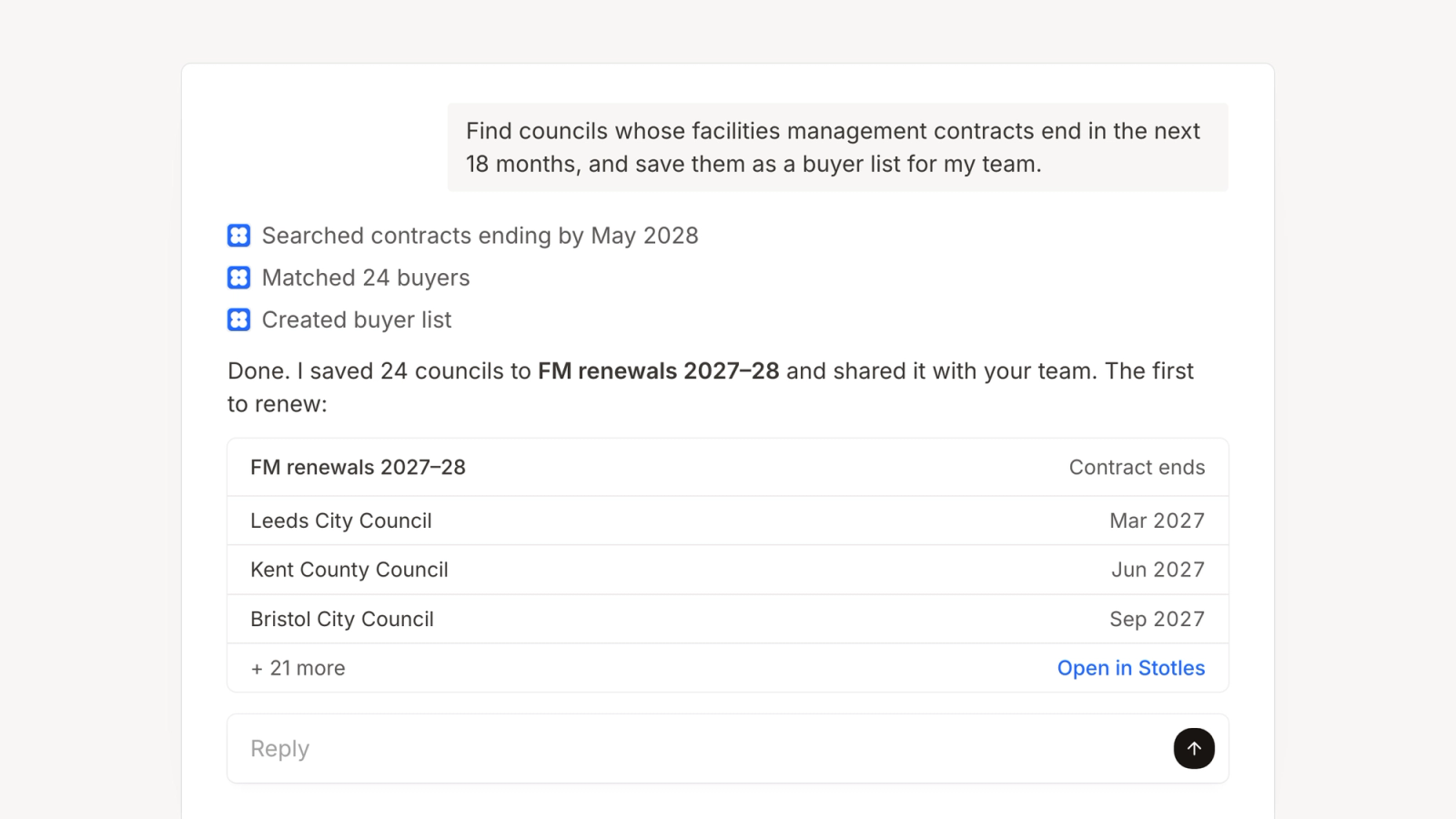
We're bringing more of Stotles into your AI tools: buyer lists, saved searches and alerts. Build lists of the buyers you're targeting and track their new opportunities, without leaving the tool you're working in.
Buyer lists: build target account lists by asking
Building a target account list has meant finding and adding each buyer yourself. Now you can create one in minutes, from Stotles research or the accounts you already have.
Ask for the accounts most likely to buy from you, such as councils whose contracts in your market end in the next 18 months. Or, with your CRM connected, use the accounts you already have. Your assistant can match them to Stotles buyers and save them as a list for you or your team. When your accounts change, ask it to update the list.
Saved searches and alerts: track new opportunities wherever you work
Run, create and change the searches your team relies on, and set up alerts on them, just by asking.
Ask what's new
Ask what has changed in any of your team's saved searches and get a summary of what matters. If your AI tool runs scheduled tasks, set it to check every Monday morning and have the summary waiting for you.
Describe it, and it's saved
Say what you want to track, such as renewals across your target account list. Your assistant sets up the keywords, buyers, stages and dates. The search appears in Stotles, pinned to your sidebar, where your team can see it.
Get alerts where you work
Ask for a daily or weekly email of new notices from any saved search. Or have them posted to your team's Slack or Teams channel, so everyone sees new opportunities.
Already connected but can't see the tools? Refresh your tools, or reconnect Stotles.